Photo filters for iOS & Android
City mood, your photo.
Bring a little Paris warmth or London atmosphere to your everyday. 28 city-inspired filters, with room for your own touch.
One app purchase. All 28 filters. No subscriptions or in-app purchases.
App Store and Google Play links will appear here when each version is available.
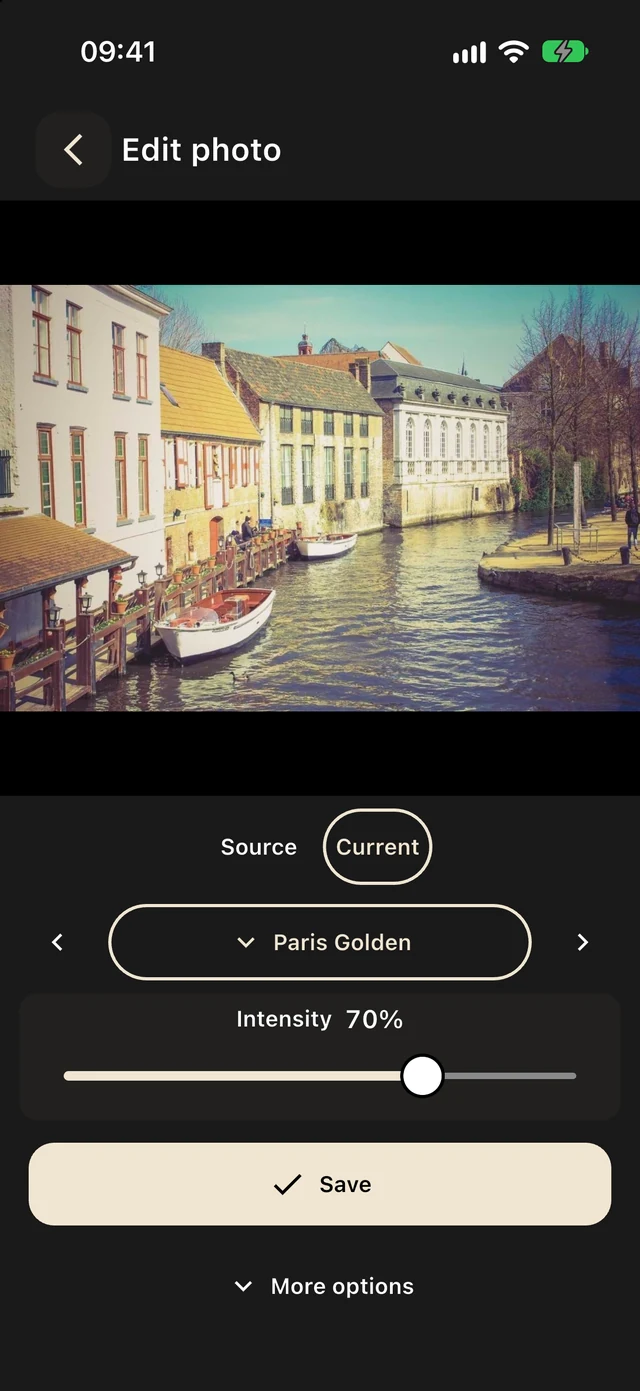
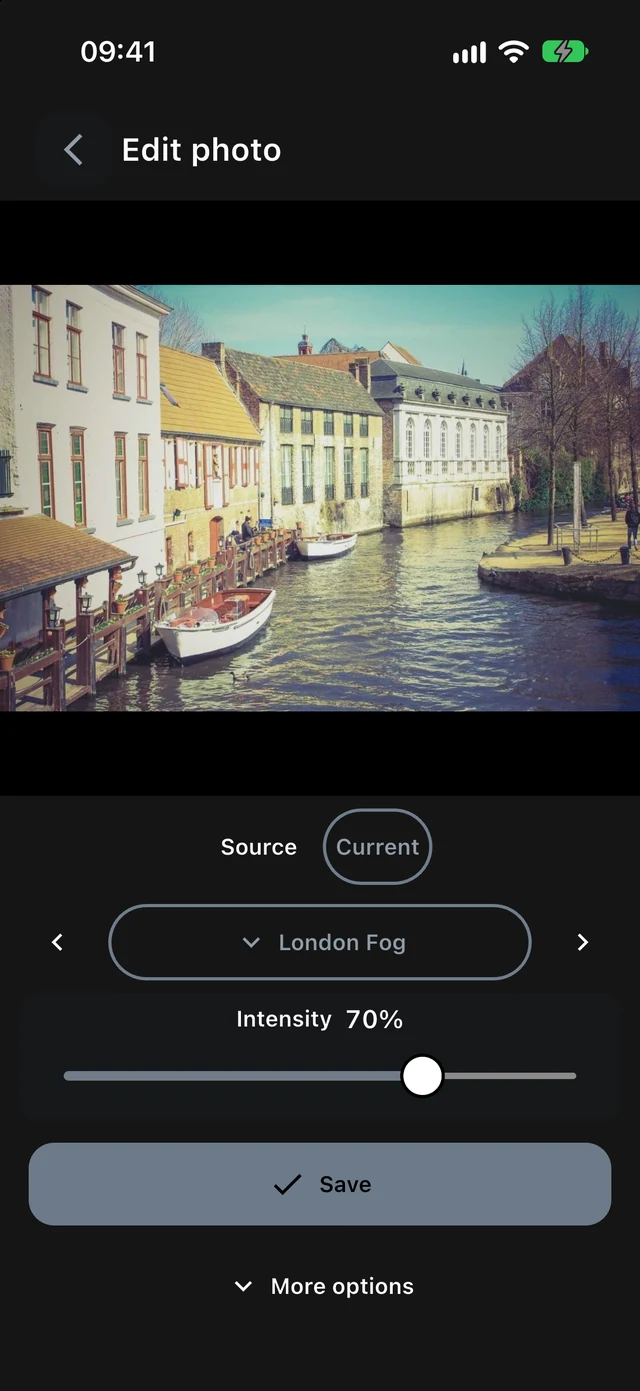
Camera and import
Choose a city filter and intensity before taking a photo, or import one photo with the system picker. Photo rendering happens on your device.
Source and Current
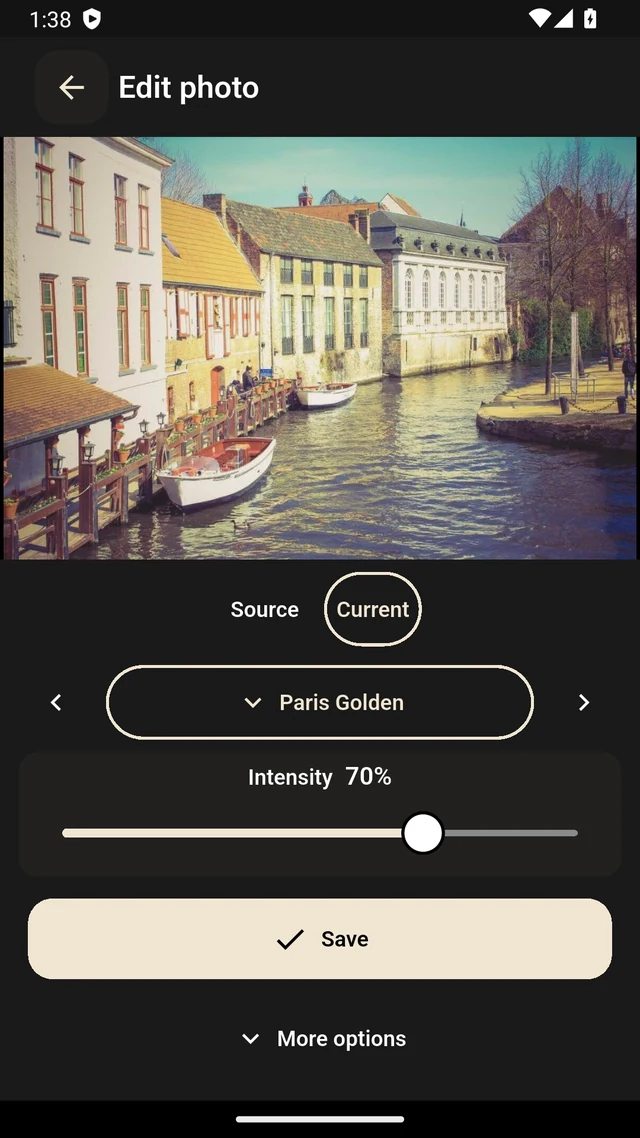
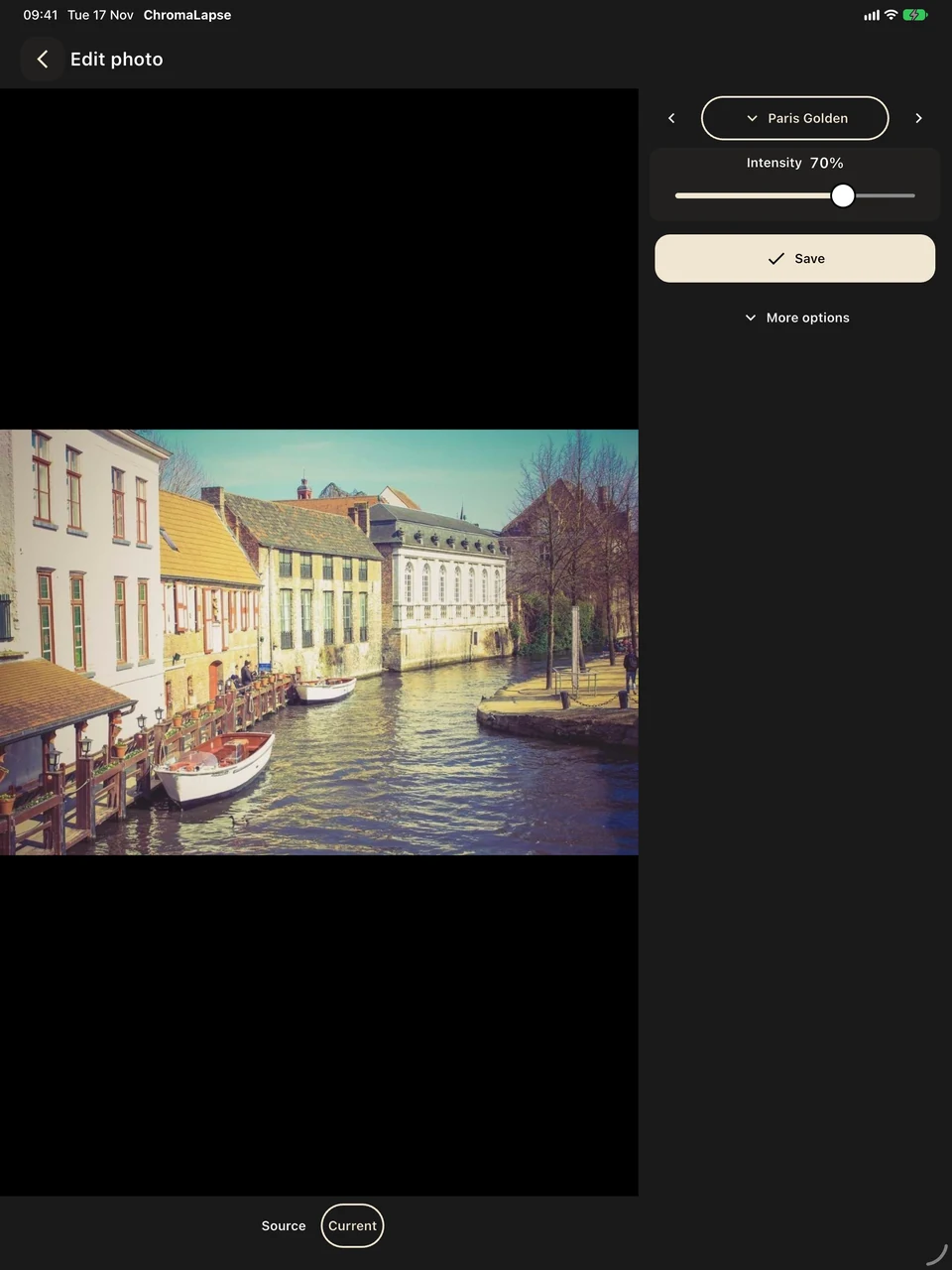
Edit from a kept private source and compare your treatment. Compatible editing copies may be used; the selected library photo is not overwritten.
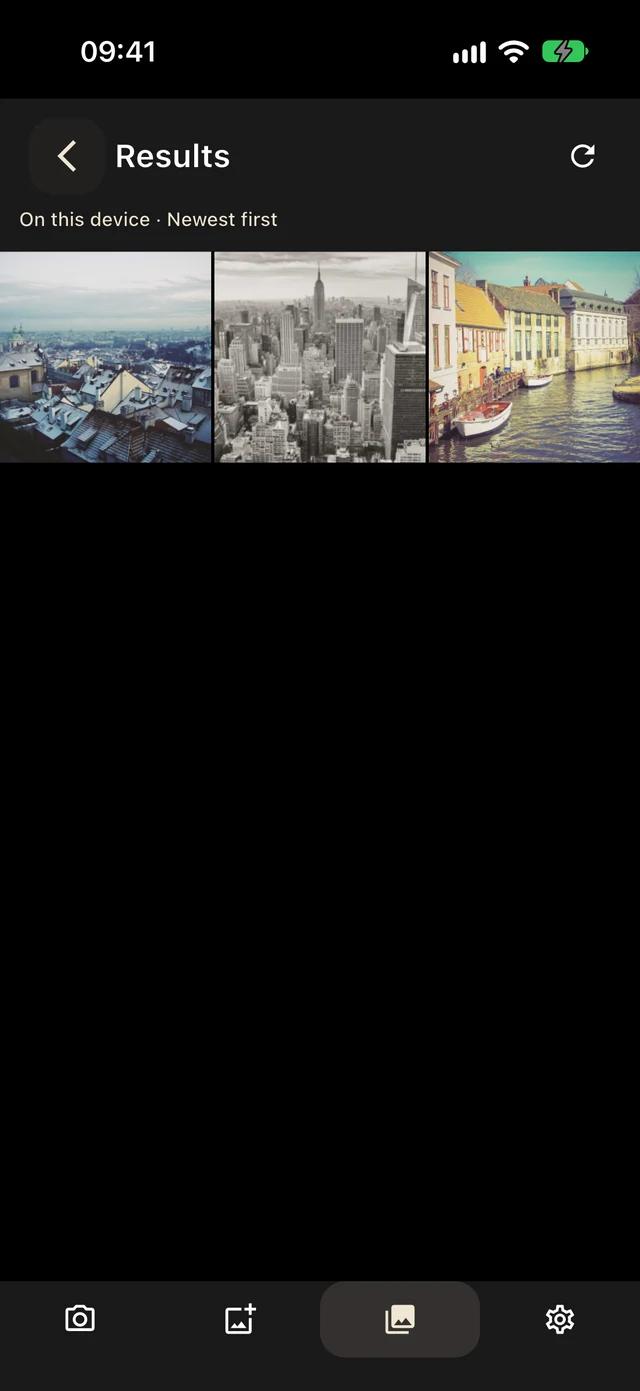
Local Results
Find saved versions in Results. Completed captures and newly saved edits also attempt a separate photo-library save when permission and system conditions allow. The viewer saves or shares your selected Source or Result.
iPhone · Android · iPad
A look inside ChromaLapse
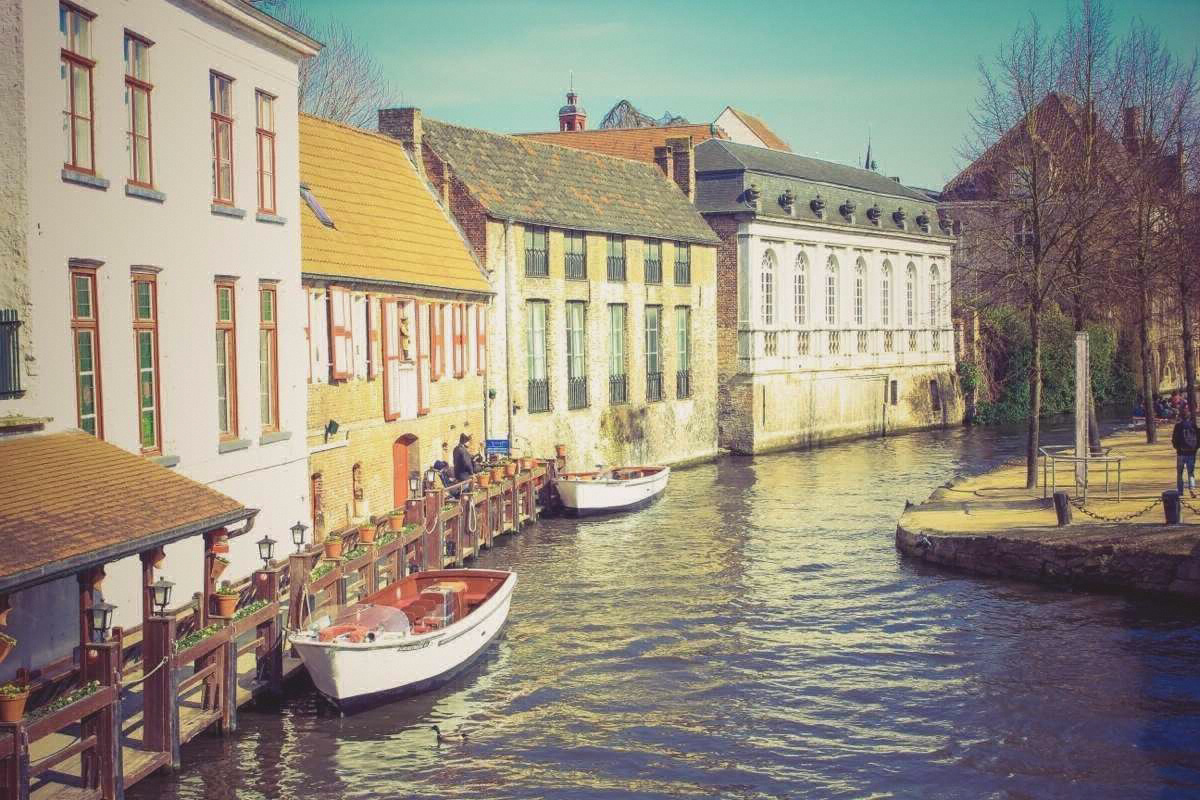
Real app screens. Choose a mood, compare with your source, and keep the versions you love.
ChromaLapse
All 28 filters included
One app purchase includes all 28 filters and current features. Local photo editing works without a ChromaLapse account. The store displays the applicable app price before purchase.
One app purchase. All 28 filters. No subscriptions or in-app purchases.
Terms of useYour photos stay in your hands.
Photo processing happens on your device. No ChromaLapse account, advertising or remote AI processing.
Privacy policyA few things to know
Where is my saved photo?
A completed photo is saved in ChromaLapse Results. Completed captures and newly saved edits also attempt a separate photo-library save, subject to permission and system conditions. A library failure leaves the app result available. Use the viewer to save the selected Source or Result manually, or Share to choose a receiver. If a native write is unconfirmed, check the library before retrying to avoid duplicates.
Can I change a treatment later?
Open a saved item and edit from its kept source; compare Source and Current. Formats that need conversion may use a compatible editing copy. Apply the recipe to another selected photo one at a time.
Do I need an account?
No ChromaLapse account is needed. All 28 treatments and existing local features are included offline. The platform store manages app distribution/payment; library and backup services use their own settings.
Are any filters locked?
All 28 filters and current local features are included with the app purchase. There are no extra filter purchases or subscriptions.
How do I get an app-purchase refund?
Use the platform store’s current app-purchase refund procedure and applicable consumer rights. ChromaLapse cannot guarantee eligibility or issue a refund from inside the app. There are no recurring in-app charges.